Remote control
Move with the arrow keys, select with OK and return with Back.
A separate app for your TV: add a profile, choose a location and control the connection with your remote. The phone app is a separate download.
My server dashboard →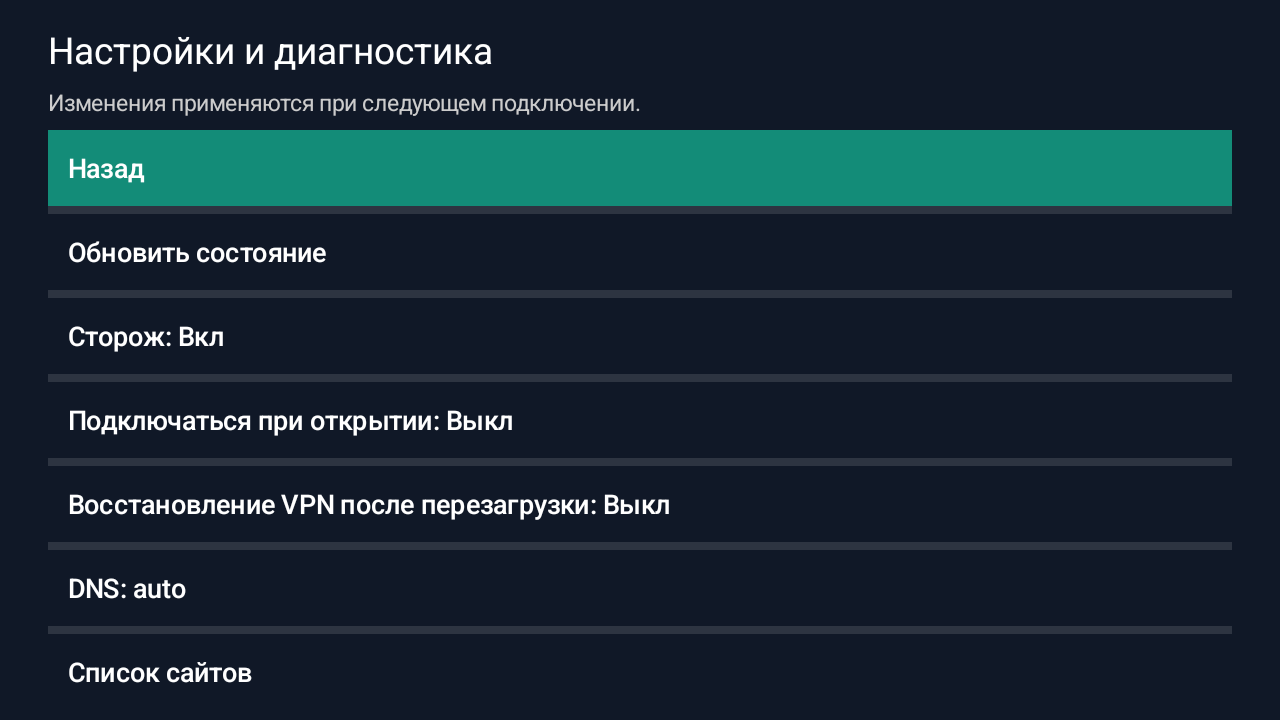
The essentials stay in view. More settings are there when you need them.
Move with the arrow keys, select with OK and return with Back.
Import a subscription, select a profile and server. Location checks show progress and can be cancelled.
The watchdog checks connectivity and may select a fallback. Boot startup is opt-in; uninterrupted connectivity is not guaranteed.
Development screenshots from an emulator. The beta interface may differ; these are not evidence of physical TV testing.
Already have a subscription? Start with import. Otherwise, first get access to a server.
Download the APK and transfer it to your TV, for example using USB. Open it with a file manager. Allow installation from that source only when needed; do not disable device protection globally.
Open Howl TV from the app list and add your subscription URL in Profiles. A long URL may require the on-screen keyboard or a keyboard connected to the TV. Keep the URL private.
Select a profile and location, connect and approve the system VPN request. Test the app you need: a successful connectivity check does not prove that every service works.
Enable boot startup if needed. Check recovery after sleep and reboot yourself. Install future TV updates over the existing app without uninstalling it to preserve its data.
For Android TV / Google TV running Android 7.0+ on ARMv7 or ARM64. This is a manually installed APK, not a Google Play release. It cannot be installed on Samsung Tizen or LG webOS. VPN operation, sleep recovery and boot startup on your TV are not yet verified. Strict Kill Switch and system Always-on VPN are not supported.
File size: 60780887 B
SHA-256 checksum:
7e64c5cbdf74f095f687d99bf7ad407f33da8dc3952d90cf7d33a19d95742228No. The TV beta is a separate Howl TV app and APK. It does not replace or update Howl on your phone.
The app is free, but you need VPN server access or a subscription to connect. Installing the APK alone does not provide VPN access.
This is not yet guaranteed. Emulator checks are available; acceptance on physical TVs, ARM devices and real networks is still pending.
Download a new TV beta and install it over the existing app without uninstalling. Send support the TV model, Android and Howl TV versions and a redacted log. Do not send subscription URLs or keys.
A separate app for your TV: add a profile, choose a location and control the connection with your remote. The phone app is a separate download. Beta 1.0.0-beta.1. Tested on an emulator; not yet tested on a physical TV.
Release details ↗Download the app, add your subscription and connect once your server is ready.