Start with a link
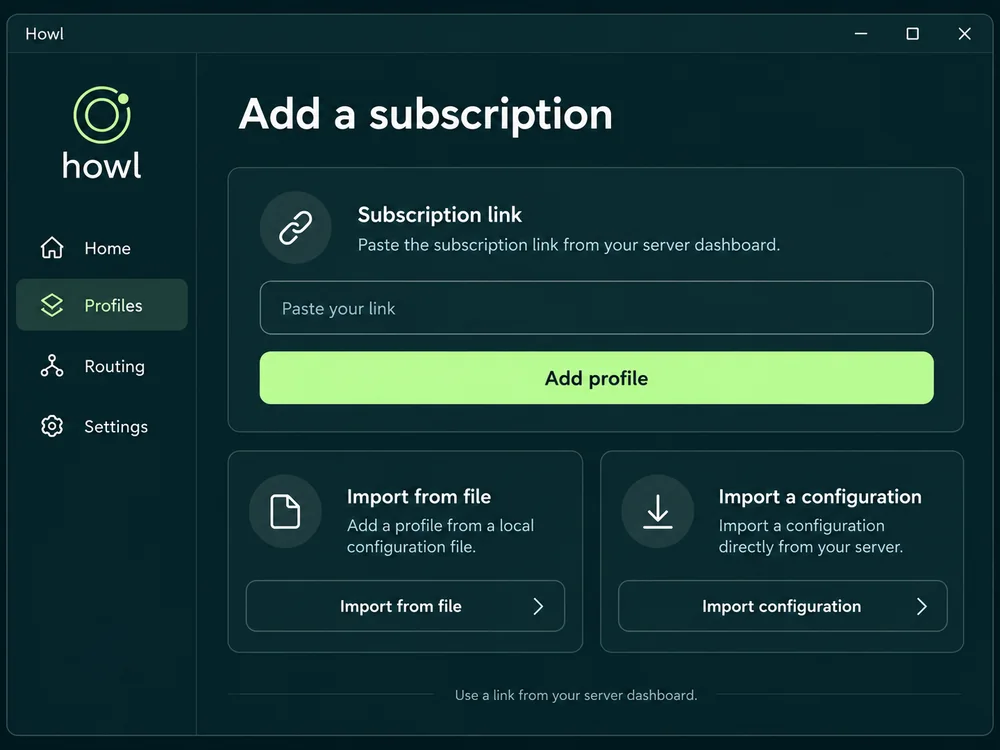
Import your subscription from the dashboard. Howl saves the profile, so you do not enter an address and port on each launch.
Manage your connection from your PC: add a subscription, choose a server and set rules for websites and programs.
My server dashboard →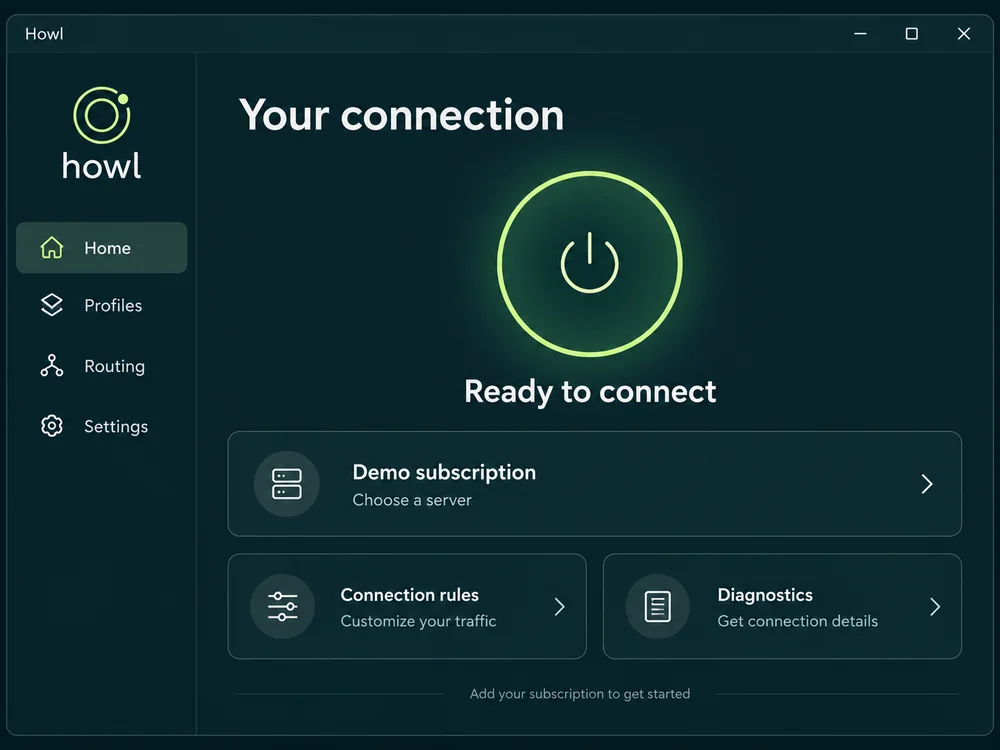
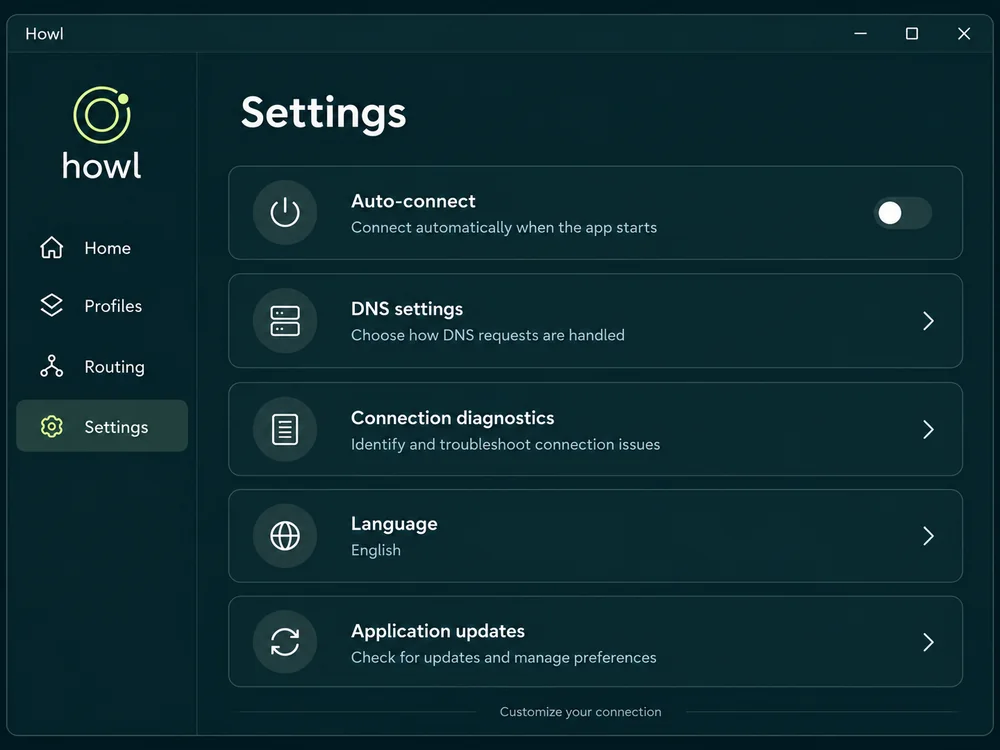
The essentials stay in view. More settings are there when you need them.
Import your subscription from the dashboard. Howl saves the profile, so you do not enter an address and port on each launch.
Choose from the nodes in your subscription. Available locations and protocols depend on your server and configuration.
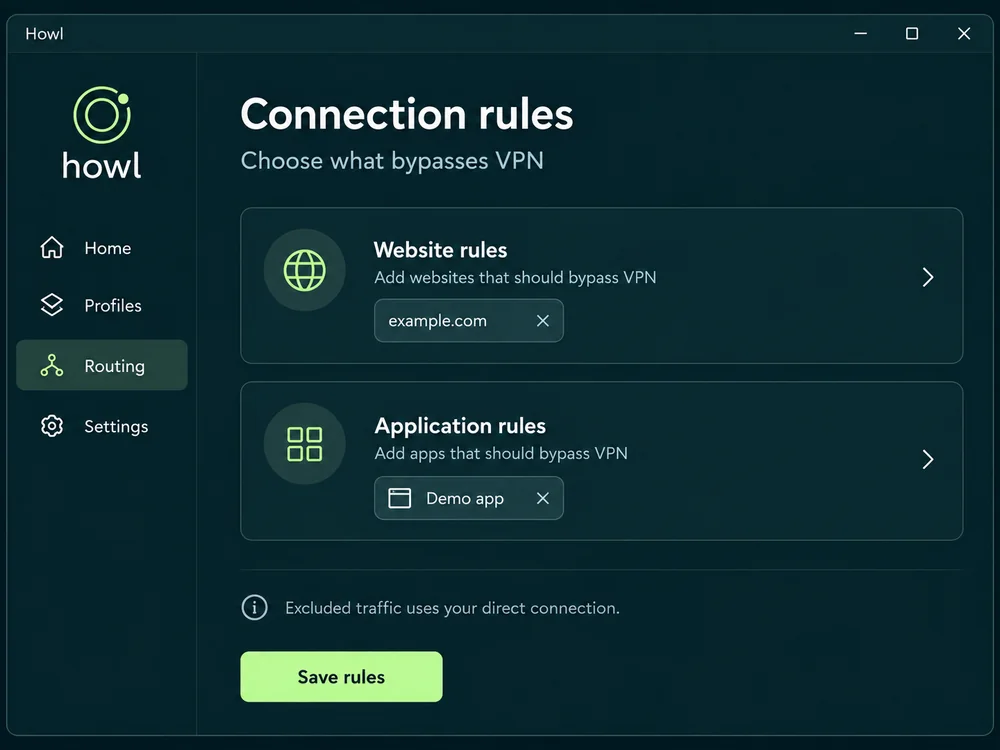
Set rules for websites and apps. If something goes wrong, start with diagnostics and logs rather than changing everything at once.
Interface illustrations with demonstration data. The current version may look different.
Already have a subscription? Start with import. Otherwise, first get access to a server.
Use Setup for system-wide VPN: installing the service requires administrator rights. Portable is for apps configured to use a local proxy.
Open the dashboard and wait for your server to be ready. If you do not have access yet, start with an available trial on the website.
Use Open in Howl in the dashboard, or paste the link into subscription import. Make sure it is your own link.
Choose a server and connect, then check the website you need. In Portable, configure the chosen app to use the local HTTP/SOCKS proxy; it is not a full system tunnel.
Windows 10/11, x64. The current release has no Authenticode signature. Verify the official address and SHA-256. A Windows warning proves neither safety nor maliciousness; do not proceed if unsure.
File size: 66082302 B
SHA-256 checksum:
a3d81abee80b5f125537eae0960dd216a5b84faeb502af286175739d46831199File size: 90643661 B
SHA-256 checksum:
c569c3efdade9decdc85563fac6481515fac39a066c5b2a01c8001e9af1c938fThe app is free. A server or subscription is required to connect.
Open your server in the vpn.how dashboard. Wait until it is ready, then open it in Howl or copy the subscription link. Treat the link like a password and do not publish it.
No. The app receives settings by importing a subscription or configuration. Your website account manages the server and billing in the dashboard.
Check the server status and access expiry, selected profile and VPN bypass rules. Open diagnostics. If the problem persists, contact support without sending passwords or your subscription link. Connected status alone does not prove every website is reachable.
Background local configuration checks after a typing pause. Stale checks are cancelled; a timeout does not label the profile invalid. Manual saving retains priority.
Release details ↗Configuration search, match navigation and formatting with undo. Adds local QR import from a selected screen region.
Release details ↗Fixes false subscription changes and unnecessary restarts after sleep. Genuine configuration updates still apply.
Release details ↗Download the app, add your subscription and connect once your server is ready.