Roblox: secure connections and account protection
For Roblox, start with the official client, updates and child-account protections. Buy Robux through official channels; a VPN does not validate a seller.
Content of the article
For Roblox, start with the official client, updates and child-account protections. Buy Robux through official channels; a VPN does not validate a seller.
Practical checks
A VPN does not guarantee lower ping, a particular lobby or protection from account penalties. Another network hop may improve a poor route or increase latency. Check the game, anti-cheat and platform rules before testing. Account region, licences and accepted payments are controlled by the platform.
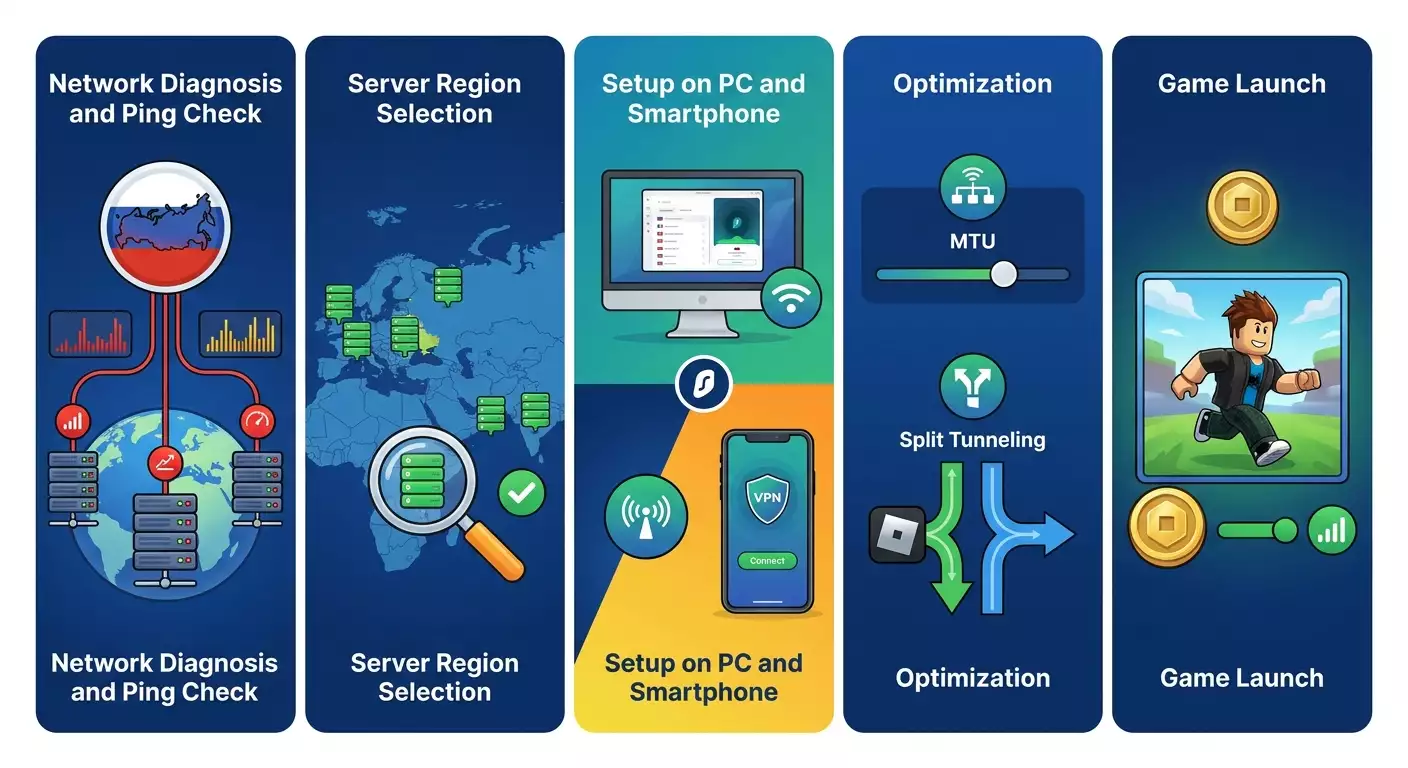
Measure your baseline first: latency to the game region, jitter and packet loss. Prefer a wired connection where possible, pause background downloads and repeat tests at a similar time. Download speed is not a substitute for latency measurements during a match. Repeat the same scenario using one permitted VPN route.
Check login, matchmaking, voice chat and recovery after interruption. If performance worsens, remove the test route and restore the original setup. Do not change region for someone else’s prices or use unofficial “anti-ban” builds. Buy through the official store, review renewal settings and enable account protection. Give support the failure time and comparison results without passwords or payment details.
Official documentation
Publisher: vpn.how